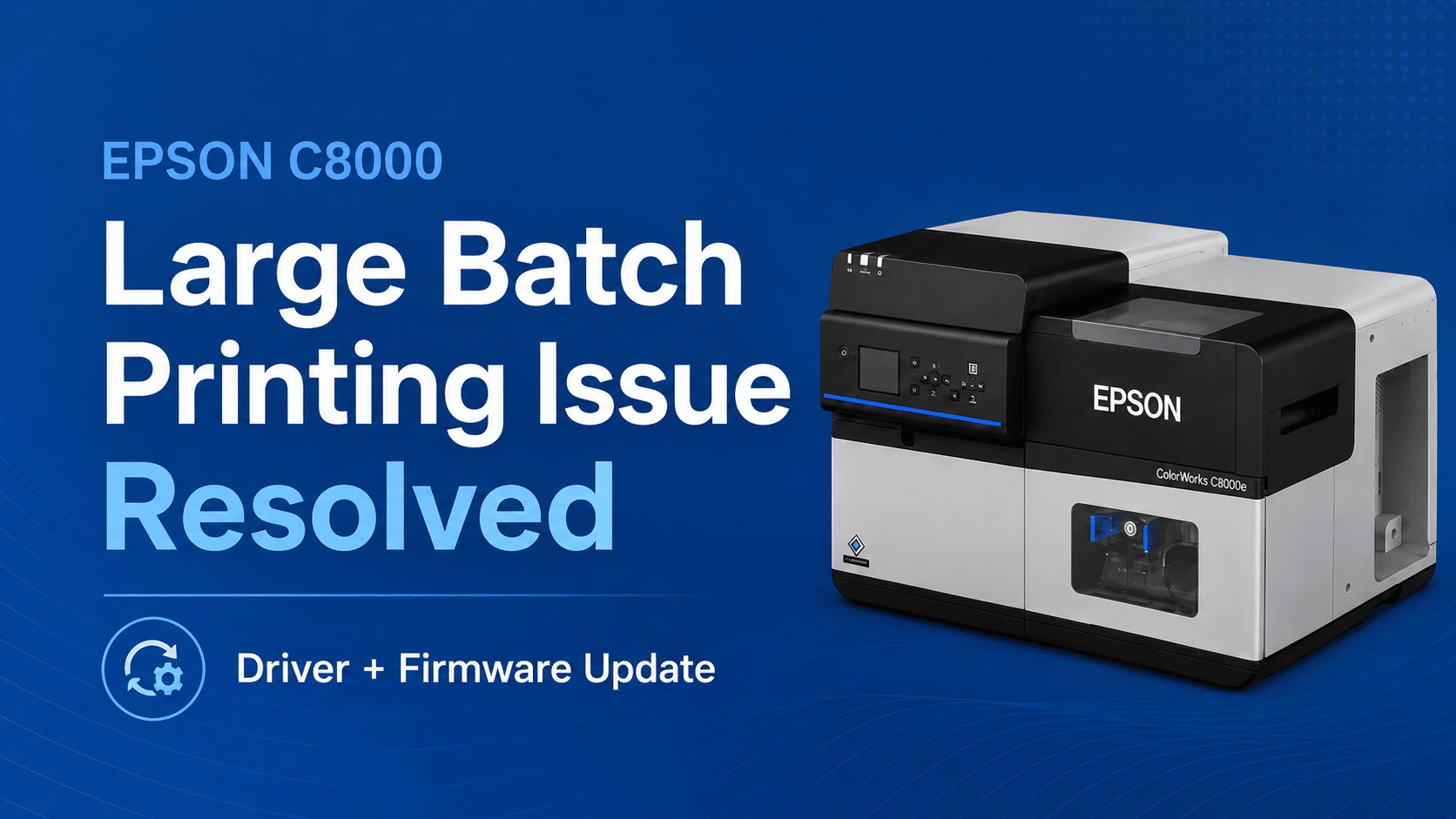
Epson ColorWorks C8000 Large Batch Printing Issue Resolved Leave a comment
Last year, Epson found that some CW-C8000 printers pause or stop printing when processing very large batch files, especially jobs over 600 labels. Epson has addressed this issue by releasing updated firmware and a Windows driver update.
Issue Description
Some users experienced problems during large print jobs where the printer would stop printing due to memory-related issues.
This was most noticeable during larger batch printing jobs, not typical smaller print runs.
How to Resolve
Epson released two updates that work together to resolve the issue:
1. Firmware Update
Epson has released a new firmware (version SJ13Q3), which resolves the large-batch printing issue.
2. Windows Driver Update
In April 2026, Epson released a new Windows driver (version 1.3.0.0), which fully resolved the issue by fixing a memory-related problem that could stop printing from continuing.
What actions should be taken?
If your C8000 printer pauses, stops, or fails during large label runs, you should install the latest available firmware and Windows driver.
These updates are often installed during a new printer setup, but existing users may need to download and install them manually.
Where to find the updates
Current Epson ColorWorks C8000 drivers, firmware, utilities, and documentation are available through Epson’s official setup and support page:
Link to Epson’s Firmware Update HERE
Final Takeaway
Whether you are experiencing this issue or not, we recommend installing the new firmware and Windows printer driver to remediate the issue permanently. This will ensure uninterrupted printing under all circumstances. The firmware update may include other optimizations or fixes as well.
If you need any assistance, please reach out to use directly at 888-237-8699 or contact us here.